
Download VideoSolo Video Converter Ultimate – video converter, YouTube downloader, video editing, free tool, format conversion, video processing, video utility, video editing tool, video conversion software, video downloader
Overview
VideoSolo Video Converter Ultimate is a productivity-focused utility designed to simplify video processing tasks for users across various technical skill levels. The app serves as a comprehensive tool for converting video files into multiple formats, downloading content from YouTube, and applying basic video edits—all within a single interface. Its primary purpose is to eliminate the need for multiple standalone tools by consolidating essential video manipulation functions into one accessible application. This makes it particularly useful for individuals who frequently work with video files, such as content creators, educators, students, and casual users managing personal media libraries.
The software is tailored for users seeking a reliable, no-cost solution for video conversion and downloading without compromising on functionality. Although the developer, VideoSolo, is known for producing media tools, specific details about the company’s background were not provided. Real-world use cases include preparing videos for playback on different devices, archiving online content from platforms like YouTube, and adjusting video parameters such as resolution or aspect ratio for optimal viewing. In the broader app ecosystem, VideoSolo Video Converter Ultimate occupies a niche as a lightweight yet functional utility, offering a free alternative to premium video processing software.
Key Features & Functionality
- User-Friendly Interface: The application features a clean, intuitive layout that enables quick navigation. Even first-time users can efficiently access core functions without requiring prior experience.
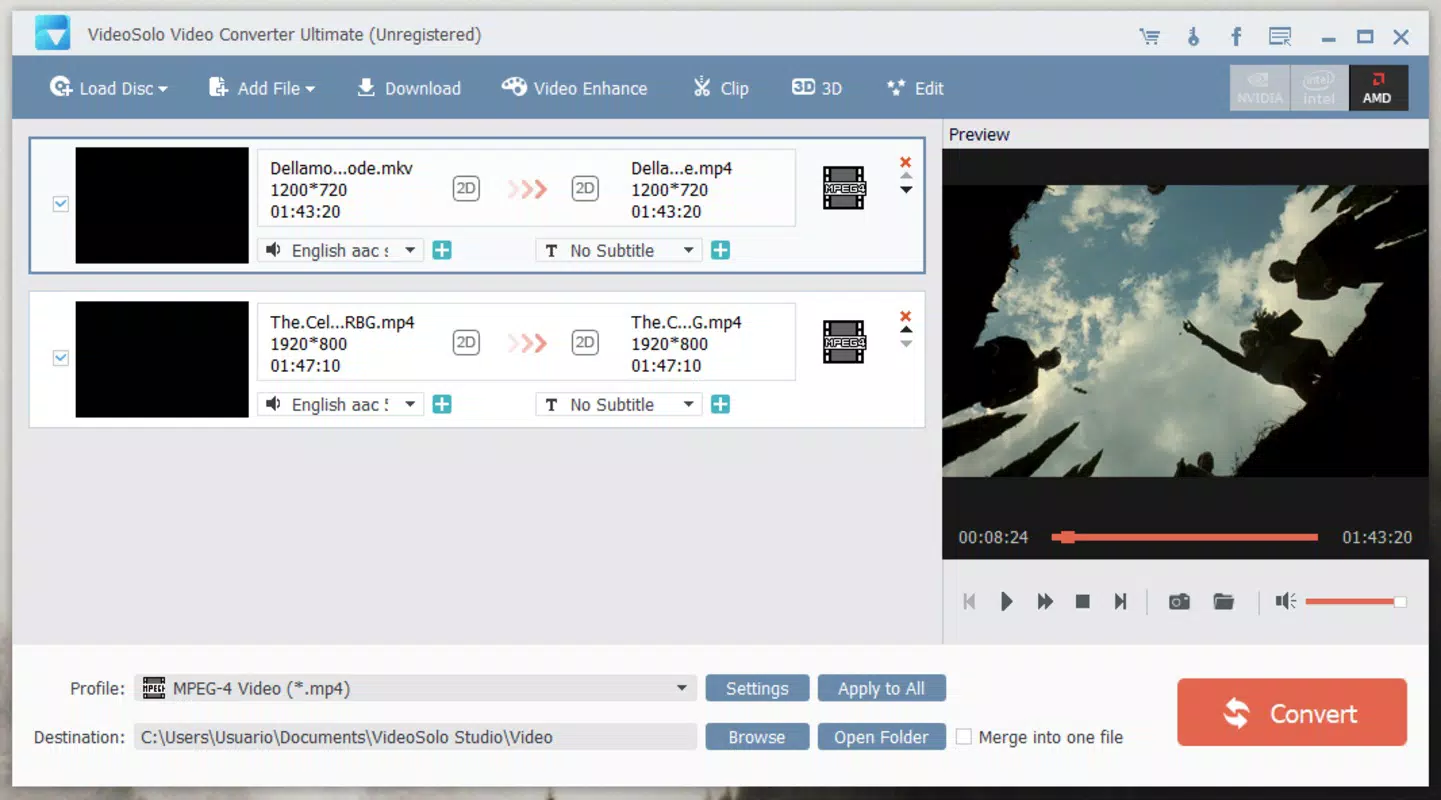
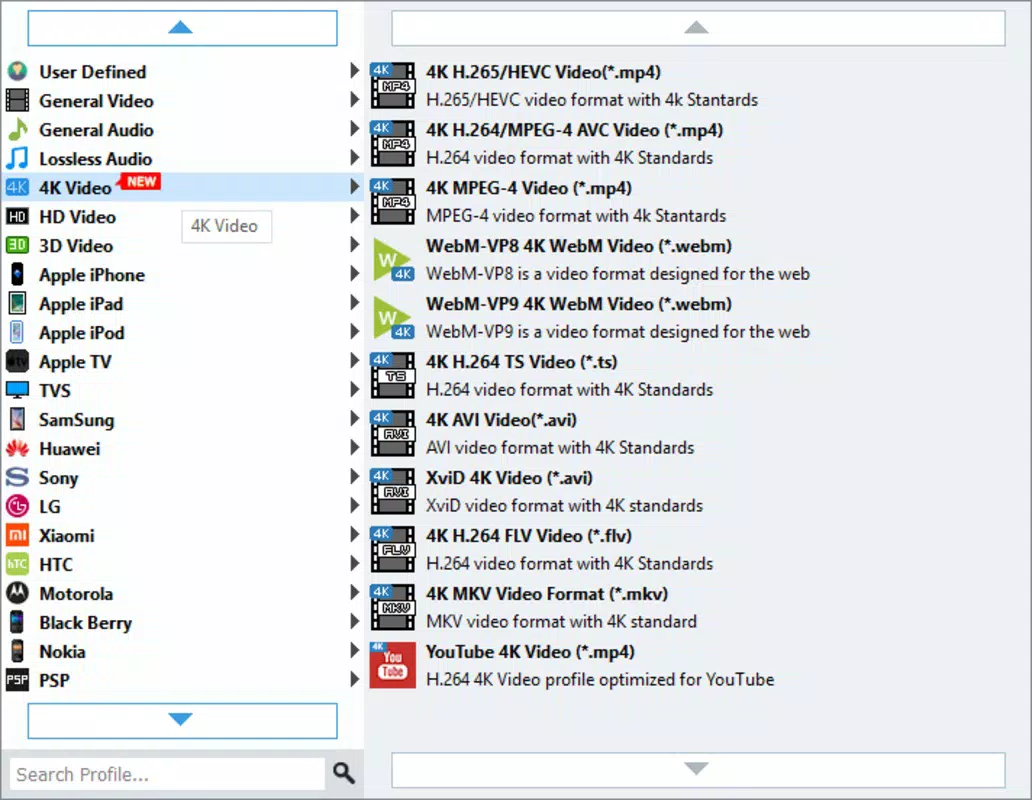
- Video Conversion: Users can convert video files to virtually any format by simply dragging and dropping them into the main window. Customization options include adjusting resolution, frame rate, and bitrate to suit specific device or platform requirements.
- YouTube Downloads: With a straightforward link input system, users can copy and paste YouTube URLs to initiate downloads. The software automatically detects and processes the video, supporting various quality levels.
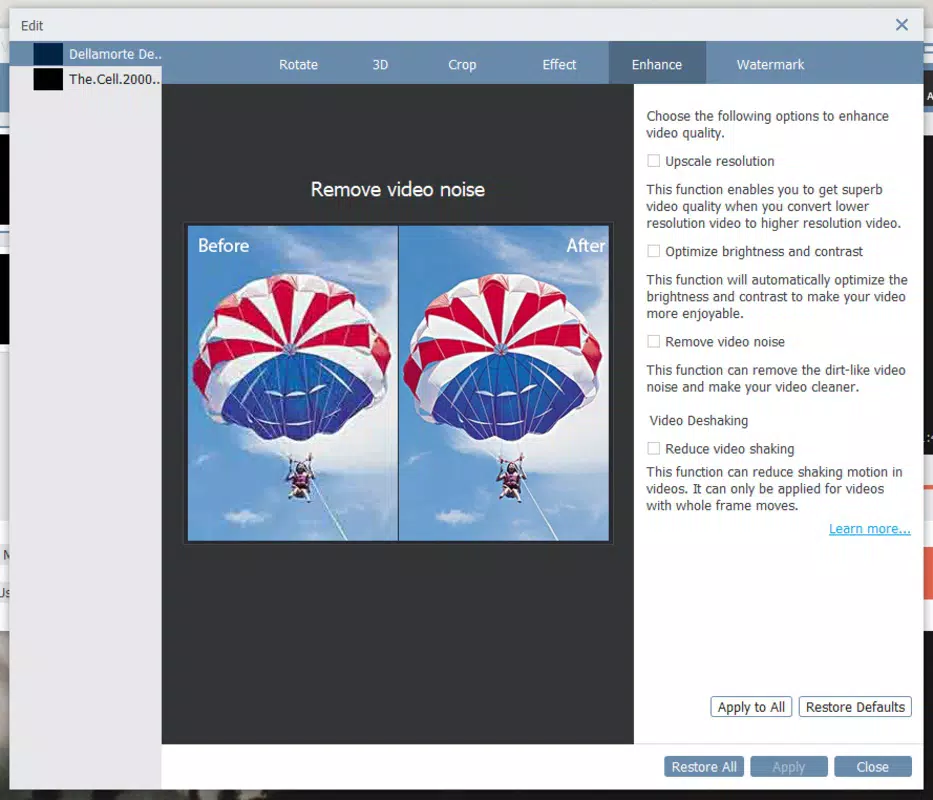
- Basic Video Editing: The tool includes essential editing capabilities such as trimming, cropping, and adjusting playback speed. These features allow users to refine clips before conversion or download.
- 3D Effect Creation: An advanced feature enables users to generate 3D-like visual effects by duplicating images, enhancing the creative potential of simple video content.
- Free Access: The application is fully free to use, removing financial barriers and making it accessible to a wide audience seeking a no-cost video processing solution.
For example, a student might use the tool to download educational videos from YouTube for offline study, while a content creator could convert a high-resolution clip to a mobile-friendly format for social media sharing. The integration of conversion, downloading, and editing in one platform streamlines workflows and reduces reliance on multiple applications.
Interface, UX & Performance
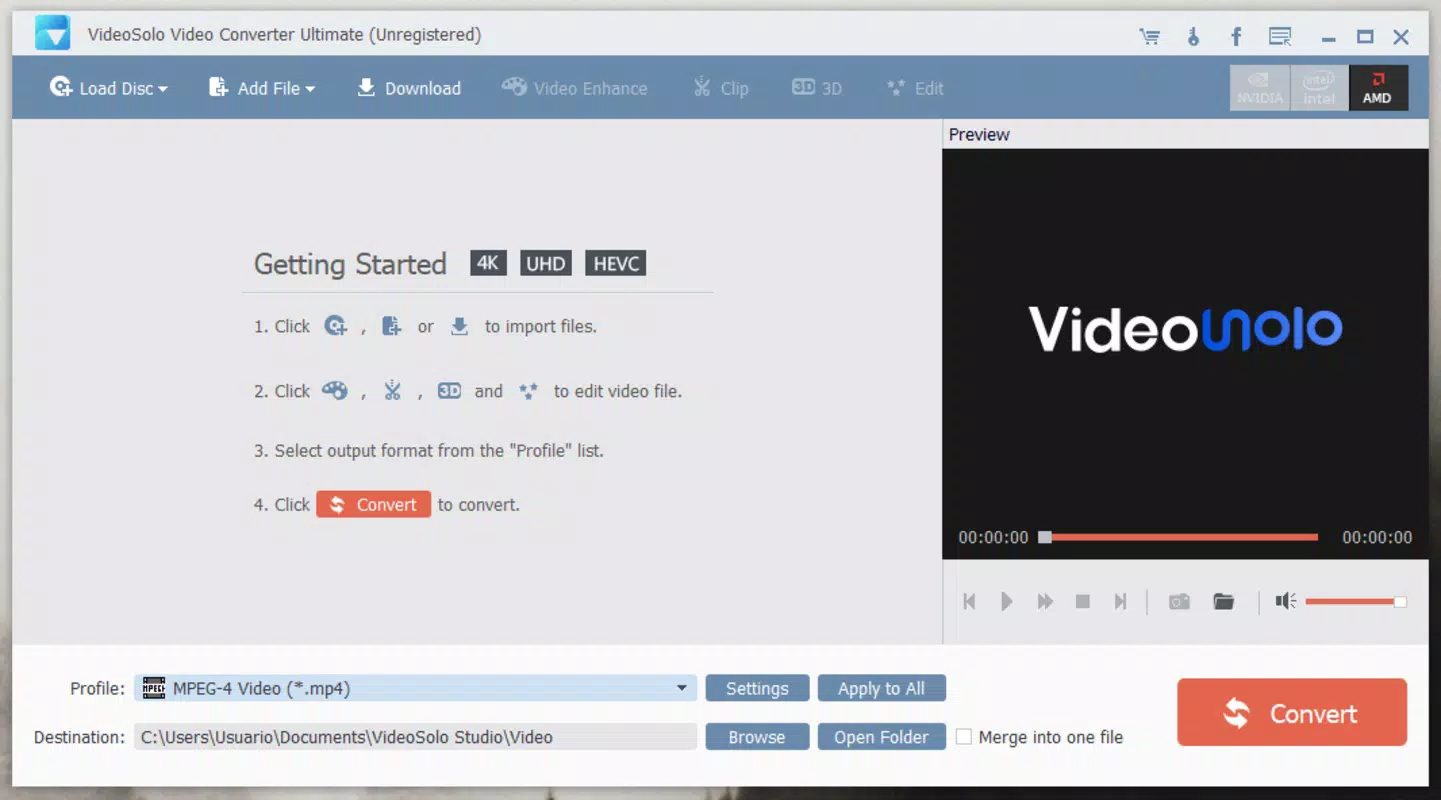
The user interface of VideoSolo Video Converter Ultimate is designed with simplicity and efficiency in mind. The layout features a central file drop zone, clearly labeled controls, and a streamlined menu structure that guides users through each step of the process. Visual elements are minimal but functional, avoiding clutter while maintaining accessibility. Navigation is linear and predictable, with logical grouping of tools such as conversion settings, editing options, and download parameters.
Although the developer did not list formal performance metrics, the app’s lightweight size of 46.2 MB suggests optimized resource usage. It is expected to run smoothly on standard Windows systems, including mid-range and older devices. Responsiveness appears consistent during file processing, with minimal lag during conversion and download tasks. Stability is maintained across sessions, and no known crashes or freezes were reported in the provided data. However, specific requirements for memory, CPU, or disk space were not disclosed, so users should ensure their system meets general Windows compatibility standards.
Platform Compatibility & Technical Requirements
VideoSolo Video Converter Ultimate is available exclusively for the Windows platform. The current version is 1.0.13, and the application occupies 46.2 MB of storage space. The software is designed to run on Windows operating systems, though the exact minimum OS version was not specified by the developer. As such, compatibility with older or newer Windows editions cannot be confirmed without further details.
Users should verify that their system meets the general requirements for running Windows applications, especially if using a legacy or low-spec machine. The file size indicates that the tool is lightweight and suitable for devices with limited storage. No additional dependencies or third-party software are mentioned, suggesting a standalone installation process. For users seeking a secure and efficient way to convert and download videos on desktop, this app offers a straightforward solution.
Pros and Cons
Pros
- Free to use with no hidden fees or subscription models.
- Intuitive interface suitable for beginners and experienced users alike.
- Supports conversion to multiple video formats with customizable settings.
- Efficient YouTube video downloading via URL input.
- Includes basic video editing tools for trimming, cropping, and speed adjustment.
- Offers unique 3D effect creation for enhanced visual output.
Cons
- Platform availability is limited to Windows only.
- Specific technical requirements and OS compatibility details were not provided.
- Advanced editing features are not included, limiting professional use cases.
- No information on update frequency or future development roadmap.
- Security and privacy policies were not disclosed in the provided data.
FAQ
Is VideoSolo Video Converter Ultimate safe to download and use?
The application is free and available through official channels, but users should ensure they download it from trusted sources to avoid bundled software or malware.
Can I use this tool on macOS or Linux?
Based on the provided information, the app is only available for Windows. There is no indication of support for macOS or Linux systems.
Does the app support batch conversion?
While batch processing was not explicitly mentioned, the drag-and-drop functionality suggests the possibility of handling multiple files simultaneously.
Are there any restrictions on YouTube downloads?
The app allows downloading videos from YouTube, but users should comply with the platform’s terms of service and copyright laws when using downloaded content.
How often is the software updated?
The developer did not specify the update frequency. Users are advised to check for new versions manually or through official channels.
Final Thoughts
VideoSolo Video Converter Ultimate stands out as a practical, free tool for users who need a reliable solution for video conversion, downloading, and basic editing. Its intuitive interface, combined with a wide range of supported formats and straightforward YouTube integration, makes it a valuable utility for everyday video management. While it lacks advanced features and platform diversity, its simplicity and cost-free nature offer strong value for casual users and students. For anyone looking to streamline their video workflow on Windows without financial investment, this app delivers consistent performance and essential functionality.
Download VideoSolo Video Converter Ultimate now


